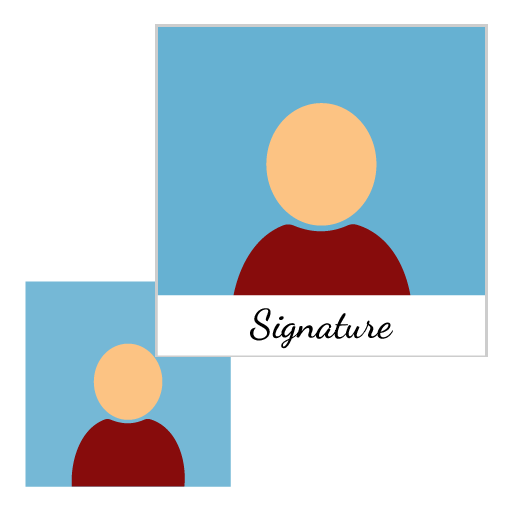
Name & Date on Photo Maker
Add Name and Date on Photos Online in Seconds
Easily add custom name and date text to your photos with our free online Name & Date on Photo Maker tool. Upload any image, enter your name and preferred date, choose text placement (inside or outside the photo), and instantly generate a high-quality printable JPG image. No software installation required.
What is Name & Date on Photo Maker?
Name & Date on Photo Maker is a web-based photo editing tool that allows users to automatically place a custom name and date on images. Users can choose where the text should appear — inside the image or outside the bottom border — and download the final image in high-quality JPG format.
The tool is designed for fast and simple photo customization without requiring advanced photo editing software.
How to Use Name & Date on Photo Maker Tool
Using the tool is simple and beginner-friendly:
- Upload your photo from mobile or desktop.
- Enter the desired name text.
- Type the date.
- Choose text position: Inside Photo / Outside Photo
- Preview the updated image instantly.
- Download the final high-quality JPG image.
The process takes only a few seconds and works directly in your browser.
Key Features of Name & Date on Photo Maker
Free Online Tool
Use the tool without downloading any software or app.
Add Name & Date Instantly
Quickly place custom text on photos with automatic formatting.
Inside or Outside Text Position
Choose whether the name and date should appear inside the image or below the image border.
High-Quality JPG Download
Download printable JPG images without losing image quality.
Mobile & Desktop Friendly
Works smoothly on smartphones, tablets, laptops, and desktop computers.
Fast & Secure
Images are processed quickly in the browser for better privacy and speed.
Easy to Use Interface
Simple design suitable for beginners and professionals alike.
Real-Time Preview
Instantly preview the final output before downloading.
Popular Use Cases
The Name & Date on Photo Maker tool is useful for many personal and professional tasks:
- Office work documentation
- Construction site progress photos
- Real estate property records
- Employee attendance verification
- Travel and tourism photo records
- Insurance claim documentation
- School and college project submissions
- Personal memories and event photos
- Social media image customization
- Timestamped proof photos
Why Use This Tool?
Saves Time
No need to manually edit photos using complicated software.
No Editing Skills Required
Anyone can add professional-looking text to images easily.
Works Online
Access the tool anytime from any device with internet access.
Printable Quality
Generate high-resolution JPG images suitable for printing and sharing.
Convenient for Documentation
Perfect for adding proof details like name and date to work-related images.
Benefits of Adding Name and Date to Photos
Adding name and date information to photos helps users:
- Maintain organized photo records
- Improve image authenticity
- Create professional documentation
- Track project timelines
- Add ownership or identity details
- Preserve important event information
Frequently Asked Questions (FAQs): Name & Date on Photo Maker
Yes, the tool is completely free to use online.
Yes, you can add both custom name text and date on the same image.
Yes, the tool supports text placement inside or outside the photo.
No, the final JPG image is generated in high quality suitable for printing.
Yes, the tool works on Android, iPhone, tablets, and desktop browsers.
Most common image formats such as JPG, JPEG, and PNG are supported.
No, the tool works completely online in your web browser.
Yes, the downloaded JPG image is printable in high quality.
Yes, images are processed securely and quickly for user privacy.
Absolutely. The tool is ideal for official documentation and proof photos.